

Web Walker's Leap Quest
Reviews
Web Walker's Leap Quest delivers a focused platforming experience that emphasizes precision over flashy mechanics. The level design grows naturally, introducing moving platforms and tighter gaps as players progress. The built-in timer and leaderboard transform each stage into a personal challenge, encouraging multiple attempts to shave seconds off your best time. The clean visuals and responsive controls make it easy to pick up, while the increasing difficulty keeps experienced players engaged. It is a solid choice for anyone who enjoys testing their jumping skills in a no-frills environment.
About this game
Core Gameplay Loop
Players control a small character moving left and right while jumping between platforms. The primary goal is to reach a portal marker at the end of each stage. Levels are arranged in a linear sequence, with each new area introducing slightly different platform layouts. The game does not include enemies or combat; the challenge comes from judging distances and timing jumps correctly.
Level Structure & Progression
Stages are designed with increasing complexity. Early levels feature wide platforms and generous gaps, allowing players to learn basic movement. Later stages narrow the landing zones and introduce moving platforms that require precise timing. The game does not use a lives system, so players can restart a stage immediately after a mistake without penalty.
Speedrun Integration
A built-in timer records how long each stage takes to complete. After finishing a level, the game displays the player's time and stores the best result locally. An optional leaderboard allows comparing times with other players who have attempted the same stage. This feature encourages replaying levels to find faster routes and improve overall performance.
Visual & Audio Presentation
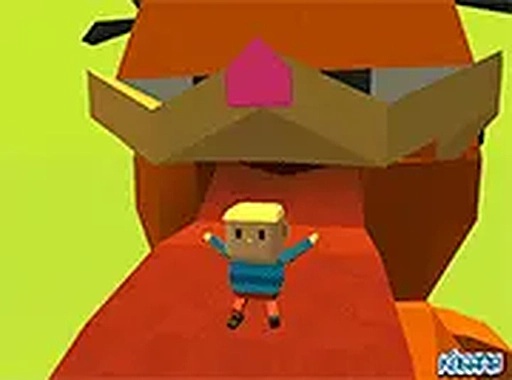
The art style uses clean, colorful graphics with simple character and environment designs. Backgrounds change between stages to provide visual variety without distracting from the gameplay. Sound effects accompany jumps and portal activations, while background music maintains a steady rhythm that complements the pacing of the game.
Accessibility & Controls
The game is designed for desktop browsers and responds to keyboard inputs. Arrow keys or WASD control movement, with a dedicated jump button. A full-screen mode removes browser chrome for a more focused experience. No downloads or installations are required; the game loads directly in modern web browsers.






Comments
0 comments